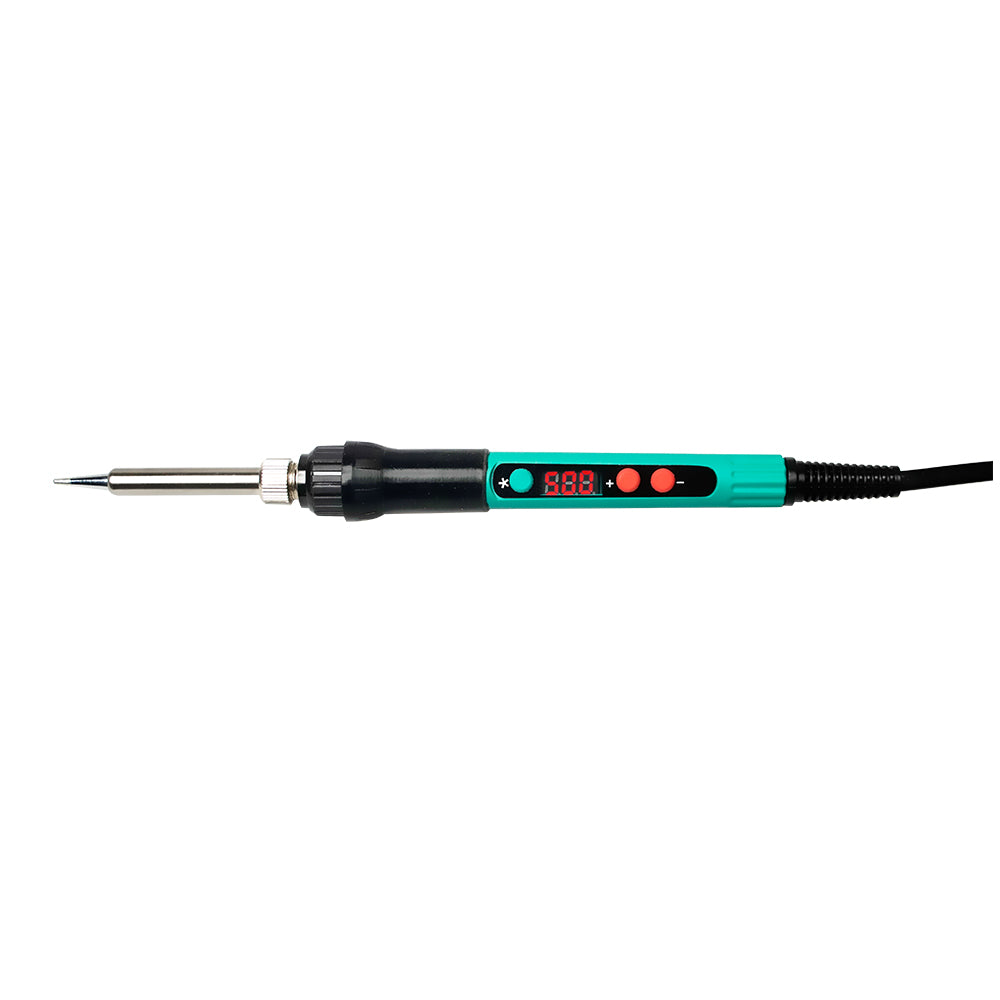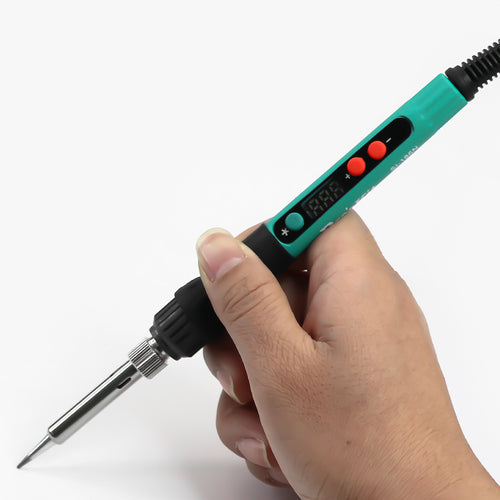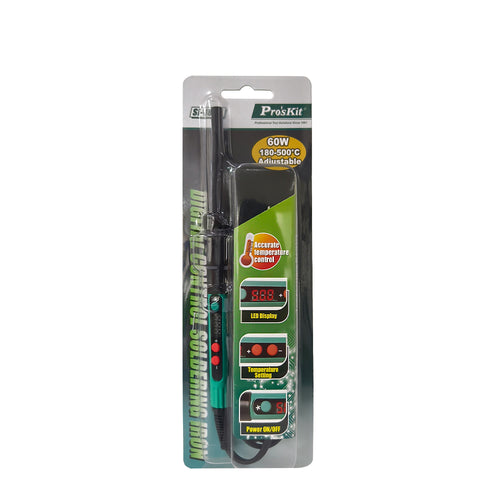
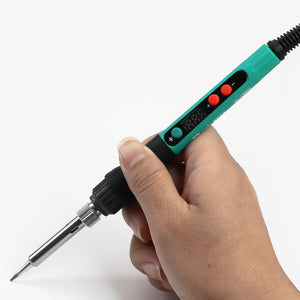
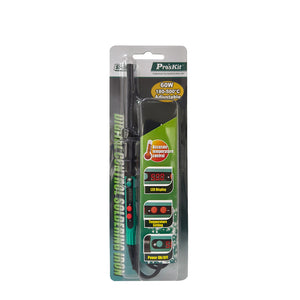


The Pro'sKit SI-186NF is a 60-watt, AC-powered soldering iron with digital temperature control and an LED display right on the handle: You can set the temperature in increments between 180 and 500 °C and see the set value without having to place a station next to it.
Control is in the handle, not in the workstation.
The electronics, display, and control buttons are all located in the handpiece. This means the soldering iron only needs a power outlet and doesn’t take up space on the workbench—which is handy when you’re working in a vehicle and the solder joint is located somewhere behind the trim, under the bed, or on the dashboard. Heating is provided by a ceramic heating element that combines the heating coil and temperature sensor in a single component and automatically maintains the set temperature.
When working on your camper, you can use the soldering iron wherever crimping isn’t enough: tinning wire ends to prevent them from fraying in the terminal, connecting LED strips to supply wires, extending sensor and signal wires, soldering pins to switches, USB jacks, and voltmeters, or repairing a faulty circuit board in the lighting module.
Operated via three buttons.
The green button turns the soldering iron on and off; use “+” and “−” to set the temperature. The display can be switched between °C and °F, and the calibration mode allows you to adjust the displayed temperature if it differs from the measured peak temperature. The soldering iron remembers the last setting and resumes with it the next time it’s turned on.
Automatic sleep mode.
If the soldering iron remains unused for 5 minutes, the tip temperature drops to 200 °C. This slows down oxidation of the tip and extends its service life.
Construction.
A stainless steel tube runs between the handle and the tip; the handle is covered with a heat-resistant soft-grip coating. The total length is 205 mm. Soldering tips from the 5SI-216N series fit the soldering iron; the heating element is available as a replacement part under part number 9SI-186N-HT.
At a Glance
- Pro'sKit Soldering Iron, Manufacturer Part Number SI-186NF
- Power: 60 W (max.)
- Connection: AC 110–240 V, Euro plug
- Temperature range: 180–500 °C or 356–932 °F
- Digital temperature control, LED display on the handle
- Display switchable between °C and °F
- Temperature calibration via the keypad
- Memory for the last temperature setting
- Sleep mode: switches to 200 °C after 5 minutes of inactivity
- Heating element: ceramic, available as replacement part 9SI-186N-HT
- Stainless steel tube, heat-resistant soft-grip handle
- Total length: 205 mm
- Compatible soldering tips: 5SI-216N series (shapes B, I, K, 2C, 3C, 4C, 2.4D)
- Package contents: Soldering iron with soldering tip installed, blister pack
Frequently Asked Questions
What temperature should I set?
Adjust based on the solder and the joint: Typical working temperatures range from about 300 to 380 °C. Use a lower temperature if components are heat-sensitive; use a higher temperature if the heat dissipates into a thick wire or a large surface area. A short, hot application is usually gentler on the component than a long, lukewarm one.
How do I change the soldering tip?
Turn off the soldering iron, unplug it, and let the tip cool completely. Only then should you loosen the knurled nut on the stainless steel tube and pull out the tip. When reinserting the tip, tighten the nut hand-tight to ensure proper heat transfer to the heating element.
Why does my solder joint turn dull and gray?
Usually because of insufficient heat or an oxidized tip. Wipe the tip on a damp sponge before each solder joint and then coat it with fresh solder. If you leave the soldering iron sitting for a while, sleep mode can help—but always make sure the tip is tinned before turning it off.